You can download Octopus to your Samsung SSSP-2 device from the link here:
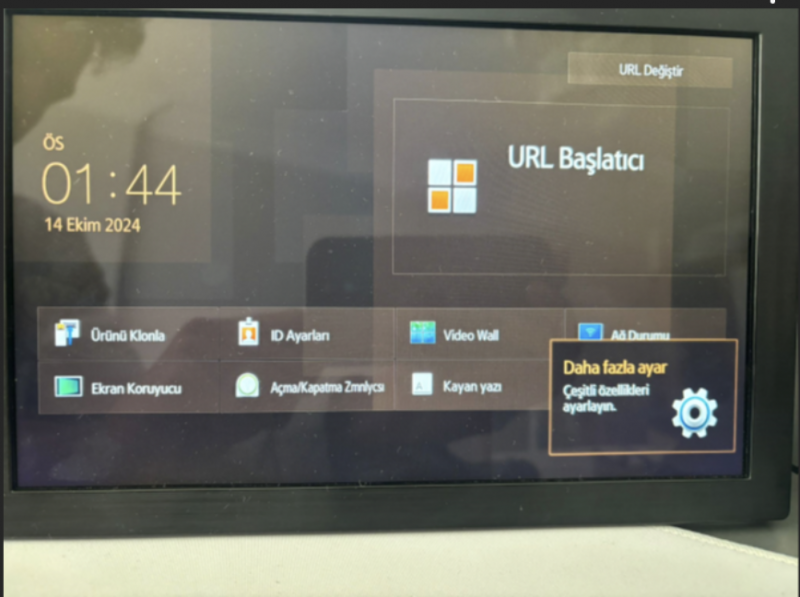
1- First, go to the 'More Settings' tab on the device.
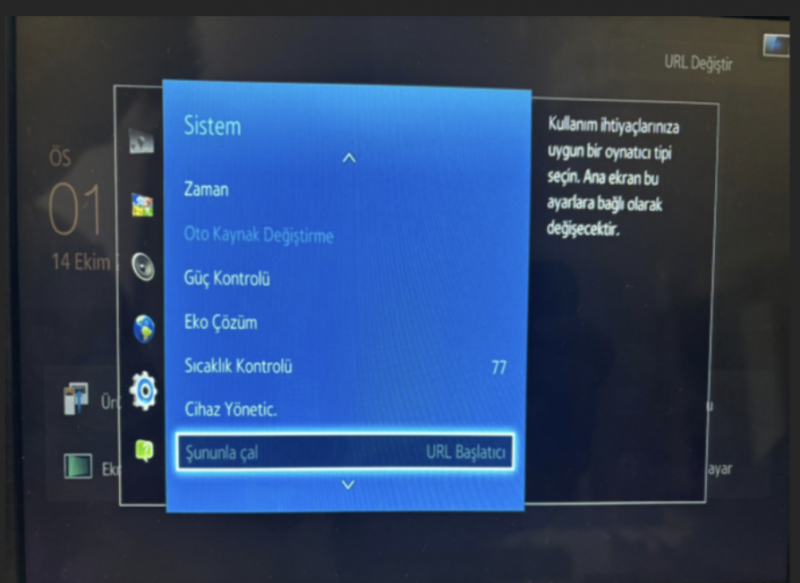
2- Then go to the 'System -> Play with' section and activate the 'URL Launcher' option.
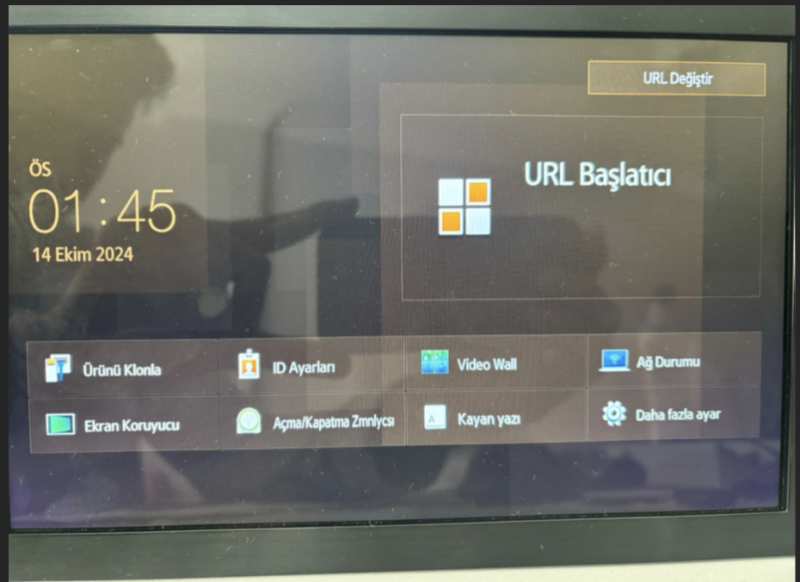
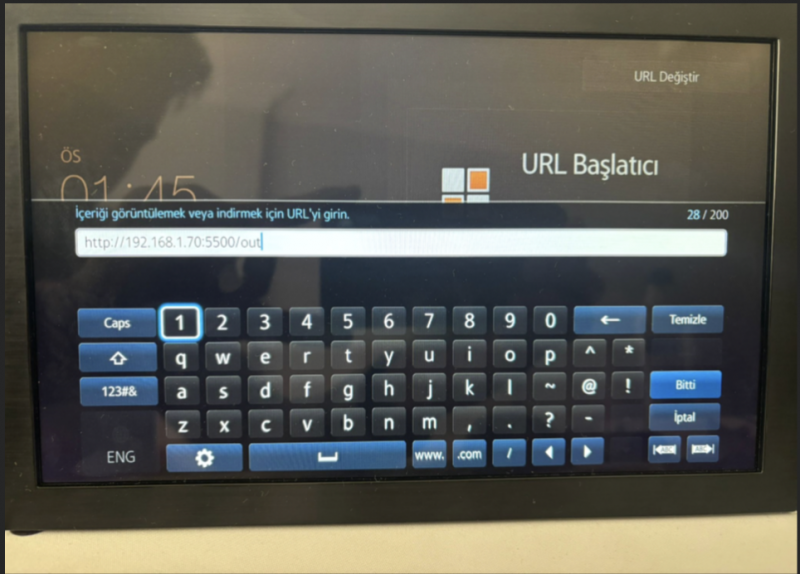
3- After coming to the home page, click on the 'Change URL' tab from the upper left corner.
4- Enter the relevant Octopus installation link that will be given in the window that opens. After the 'Done' warning, a new screen opens on the device.
5- Your Octopus panel login code will appear on the screen.