1- In step one, download the Octopus app on your Sony device. You can use the link here to download the APK:
2- Copy the APK file you downloaded to your USB drive.
3- Go to the Home Screen by pressing the 'Home' button on your remote control.
4- Access the screen settings by clicking the 'Settings' icon in the upper right corner of your screen using your remote control.
5- Select 'Pro Settings' from the list.
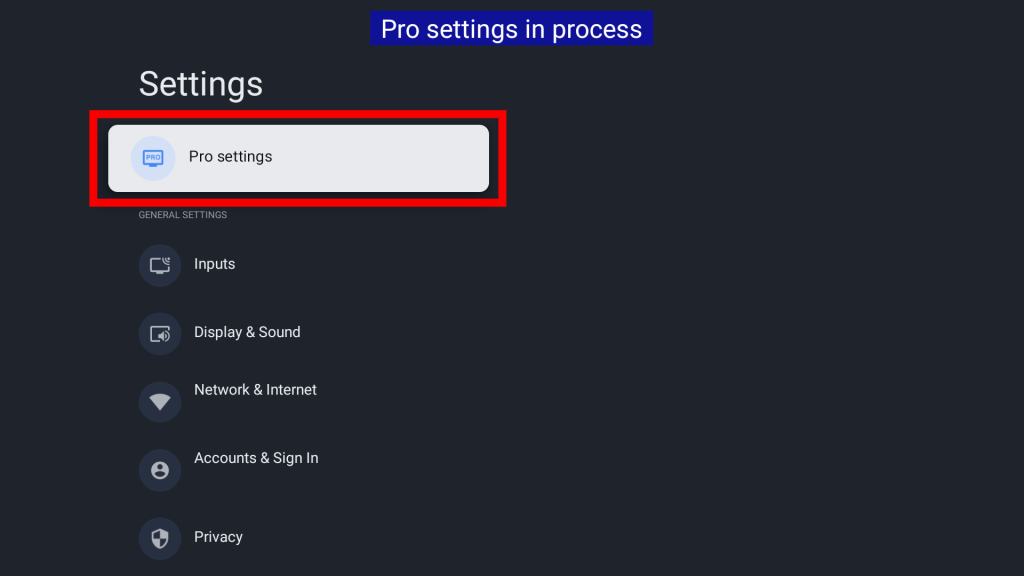
6- Connect your USB drive to the device.
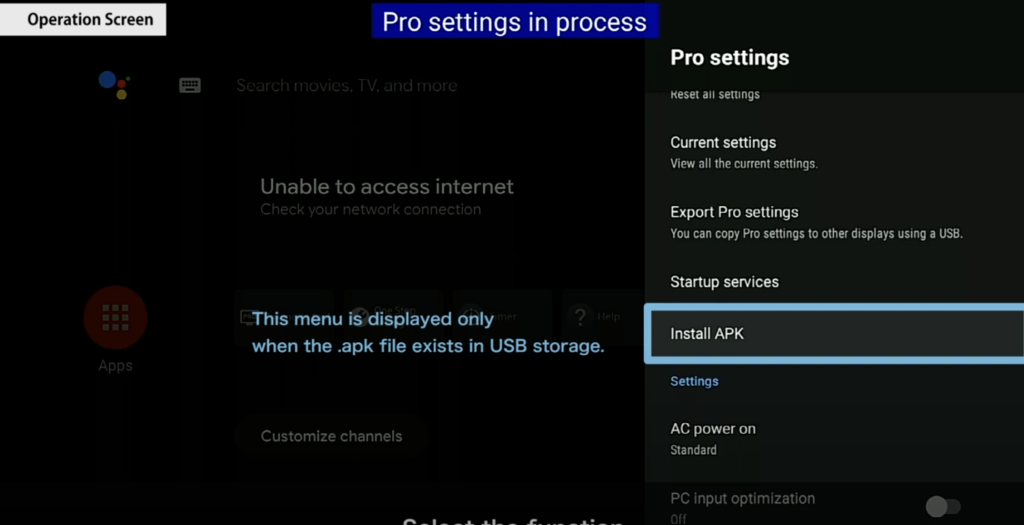
7- The 'Install APK' option will now appear as a selection in the list. Click on this option.
8- A file with the APK extension will appear. This file must have the same name as the file you copied to your USB drive in the first step.
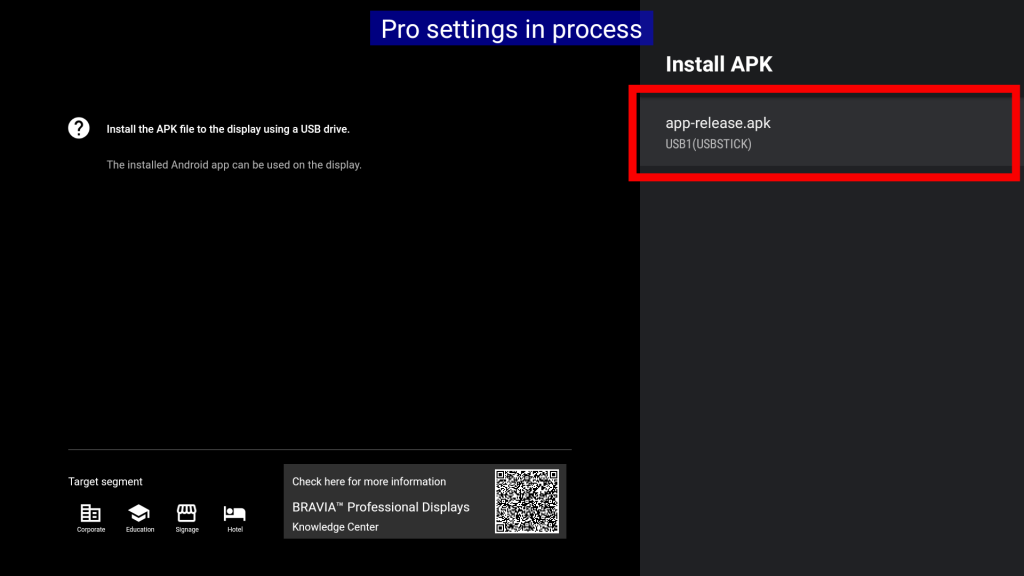
9- Make the selection and confirm the dialog again to start the installation.
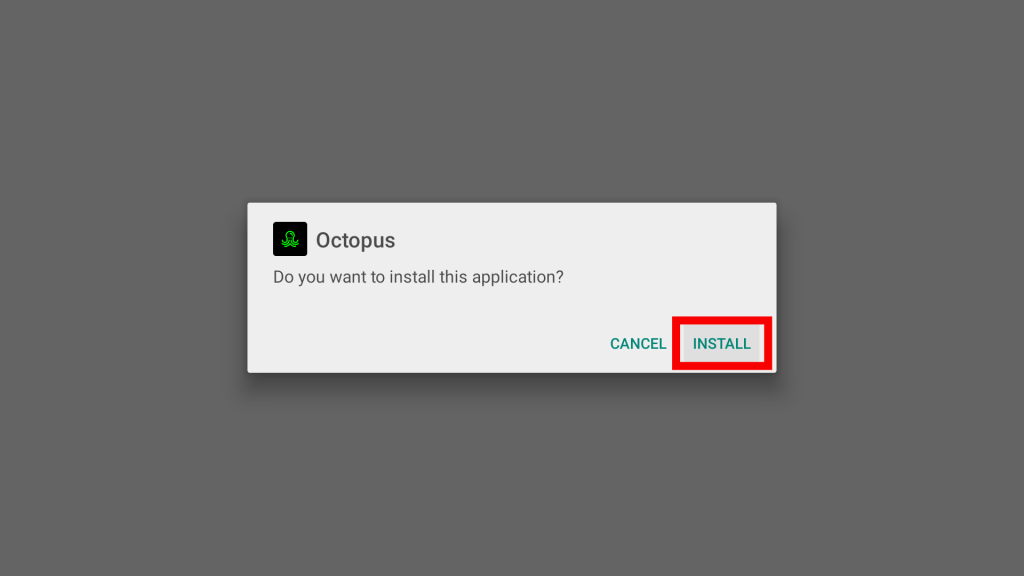
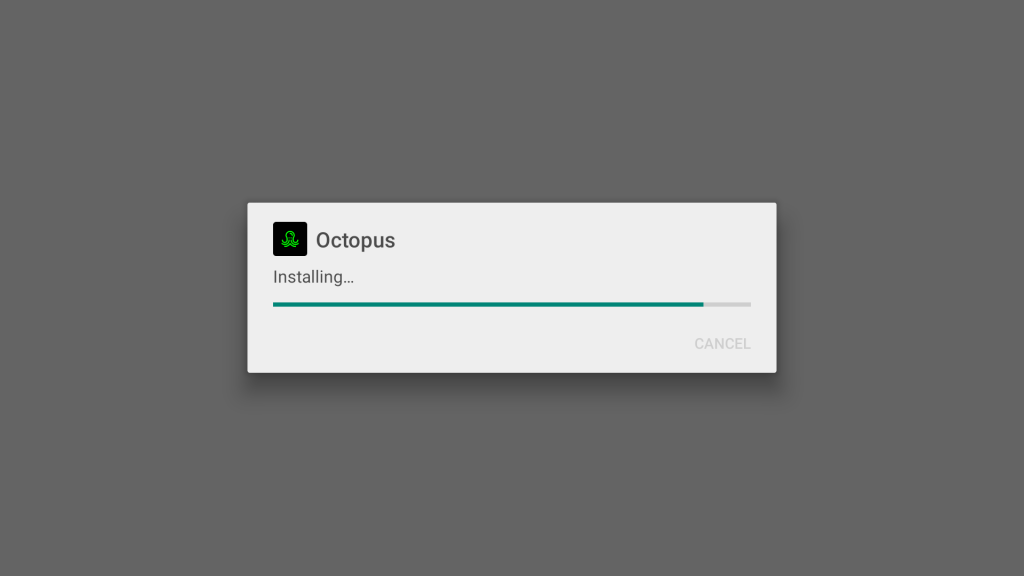
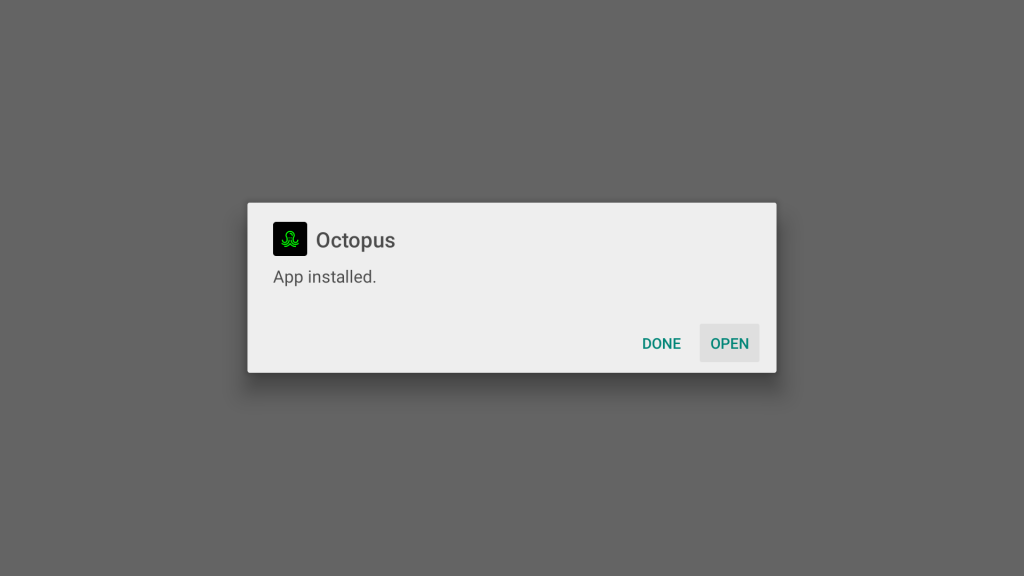
10- If you finally see a dialog with the following message that it has been installed, the Octopus application has been successfully installed!