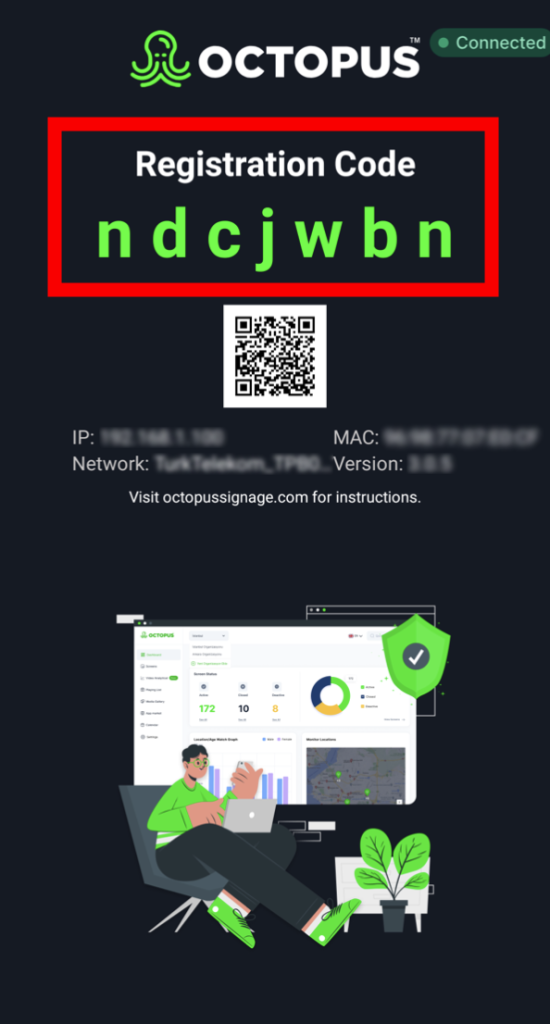
You can download Octopus to your VESTEL device from the link here:
1- First, insert the USB Memory including 'Octopus APK' into the device. Then press the 'MENU' button on the Vestel remote control.
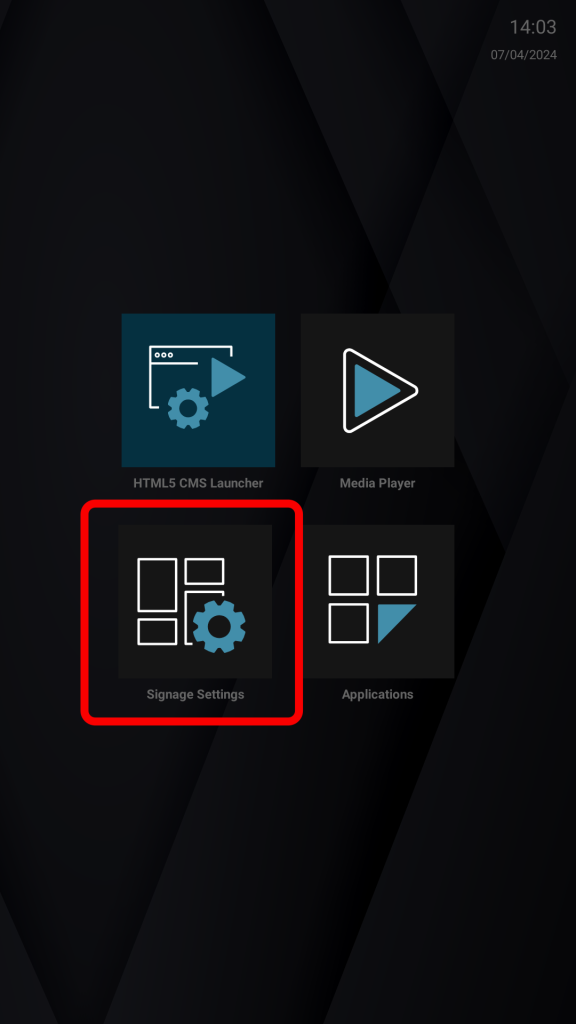
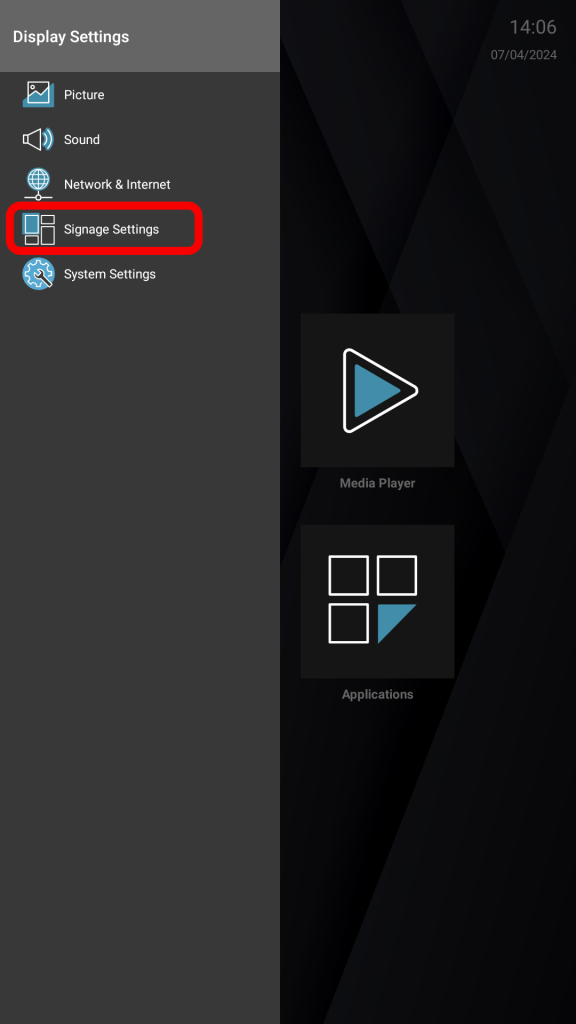
2- Find 'Signage Settings' and press the 'OK' button on the remote control.
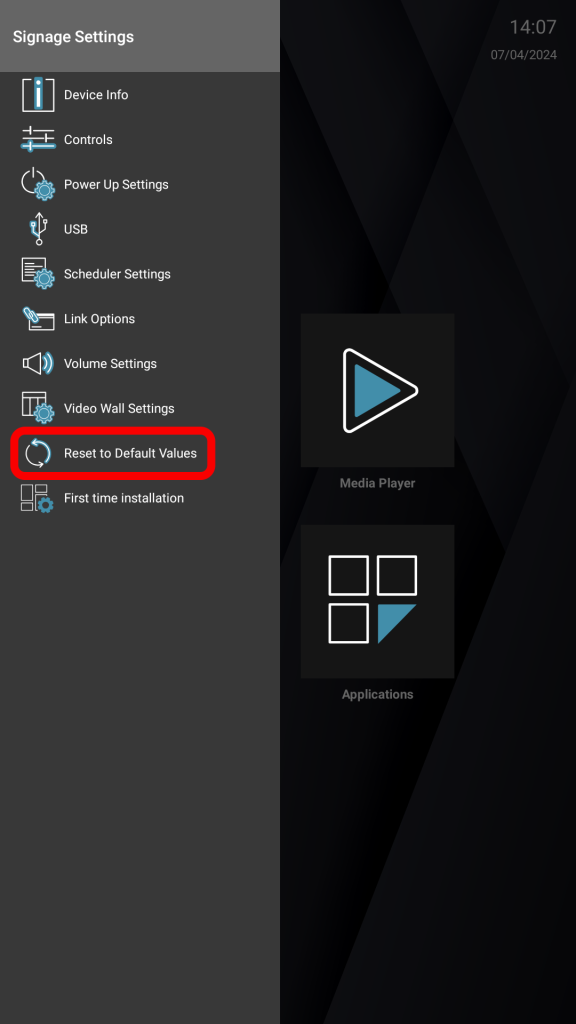
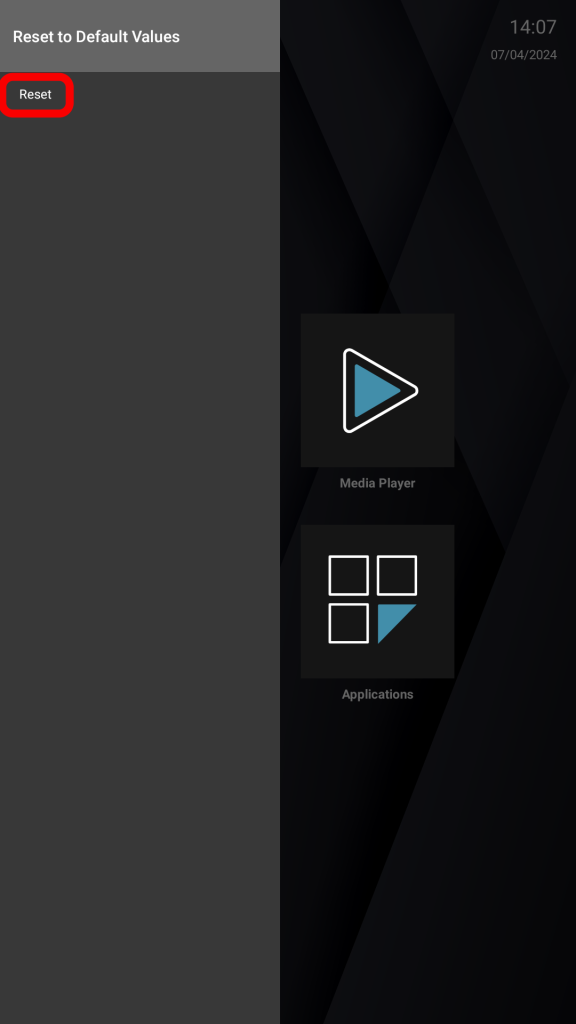
3- Find 'Reset to Default Values' option and press the 'OK' button on the remote control.
4- After returning to default settings, close the menu by pressing the 'Back' button on the remote control.
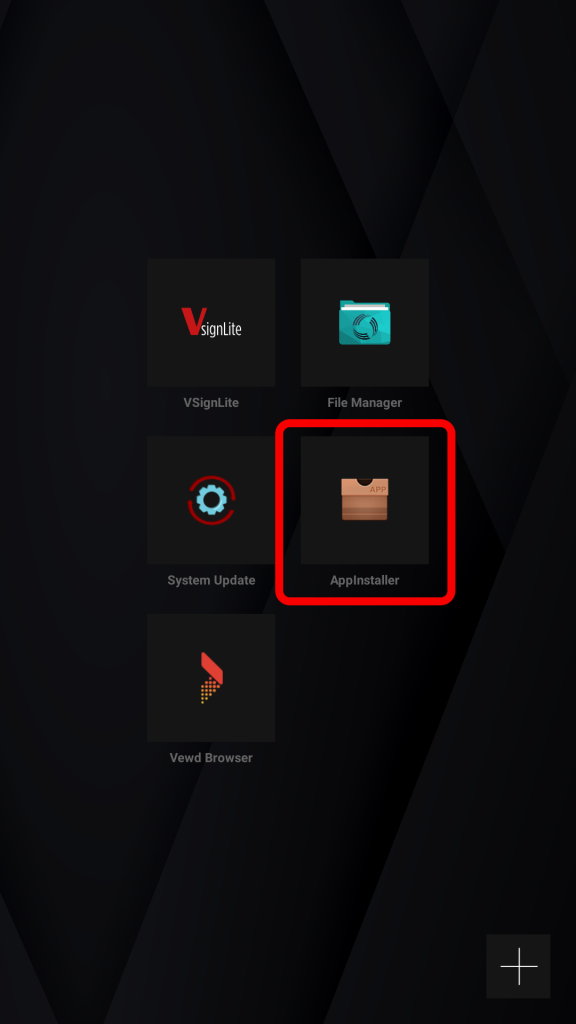
5- Find 'AppInstaller' and press the 'OK' button on the remote.
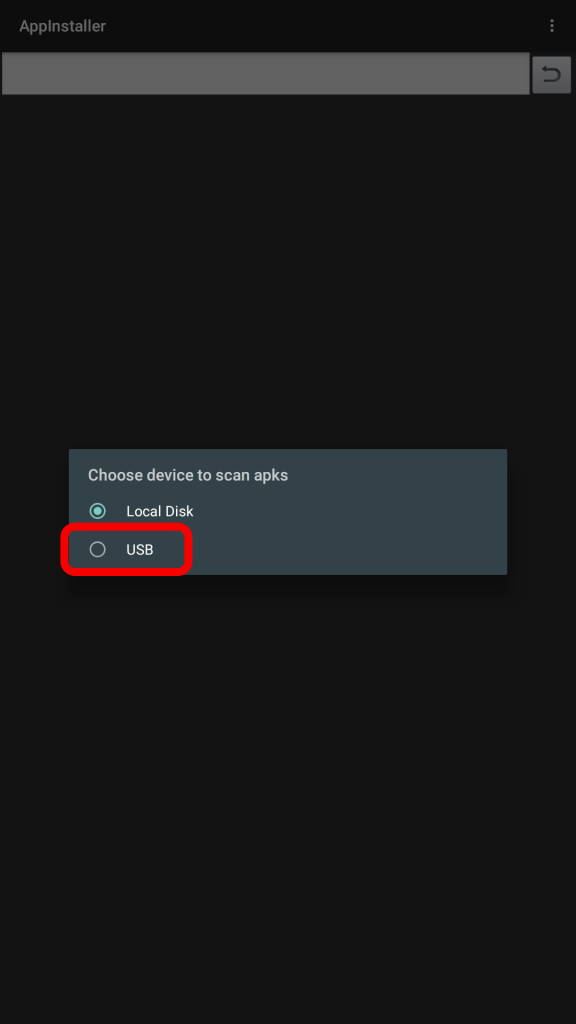
6- Select the USB we inserted and press the 'OK' button on the remote control.
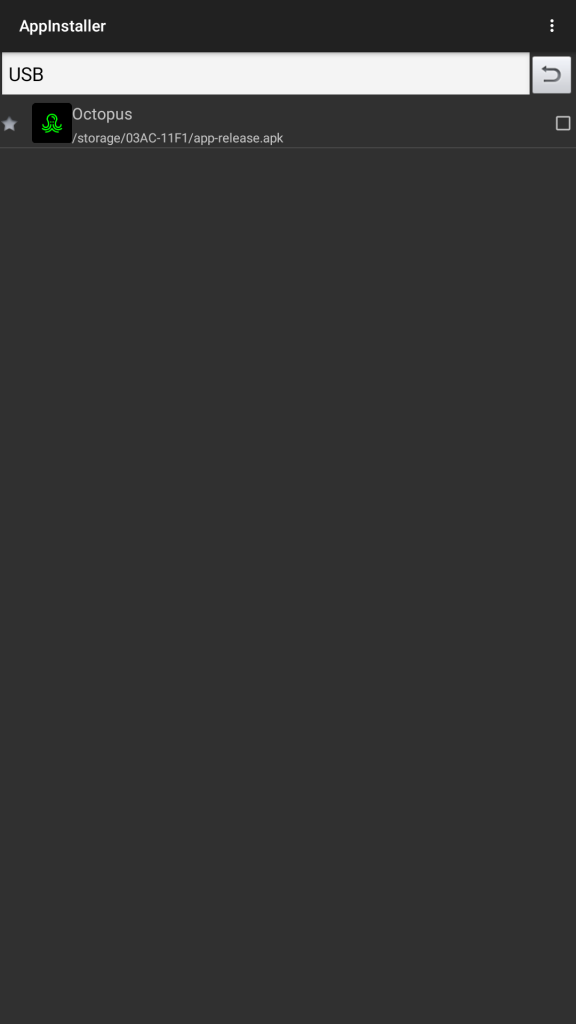
7- Select the APK you want to install and press the 'OK' button on the remote.
8- Find the 'Install' text and press the 'OK' button on the remote control.
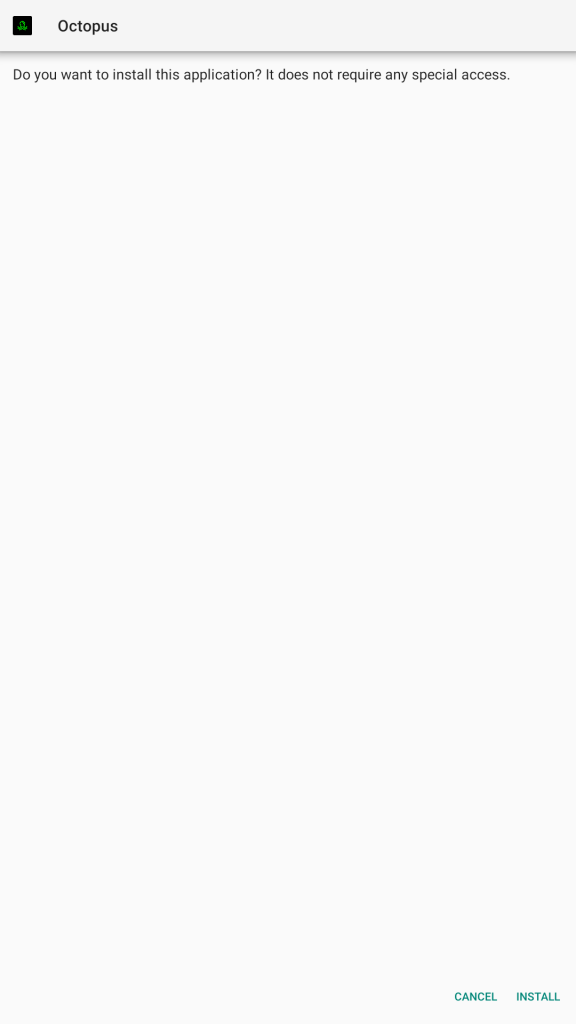
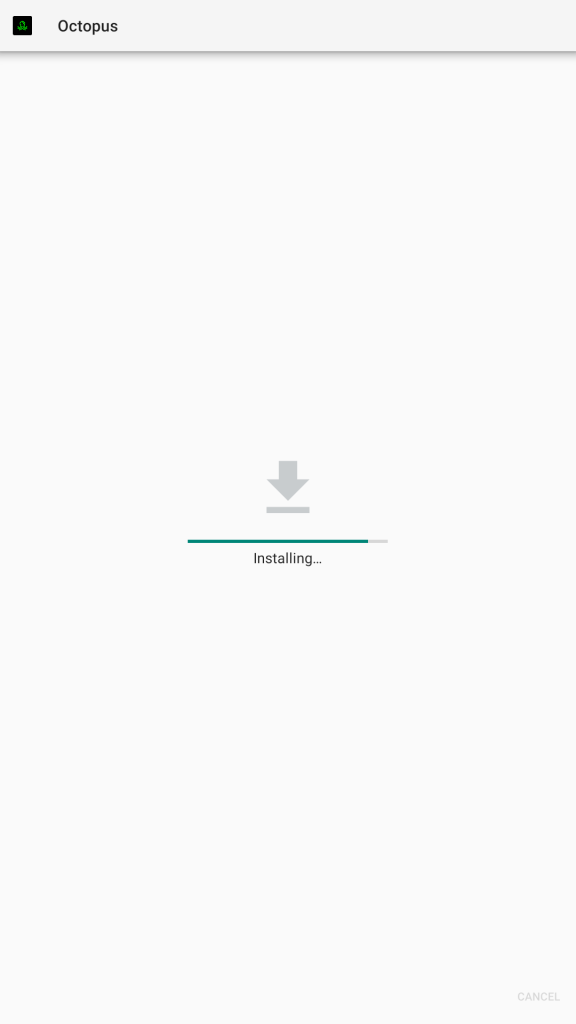
9- Wait for the application to be installed.
10- Find 'OPEN' and press the 'OK' button on the remote control.
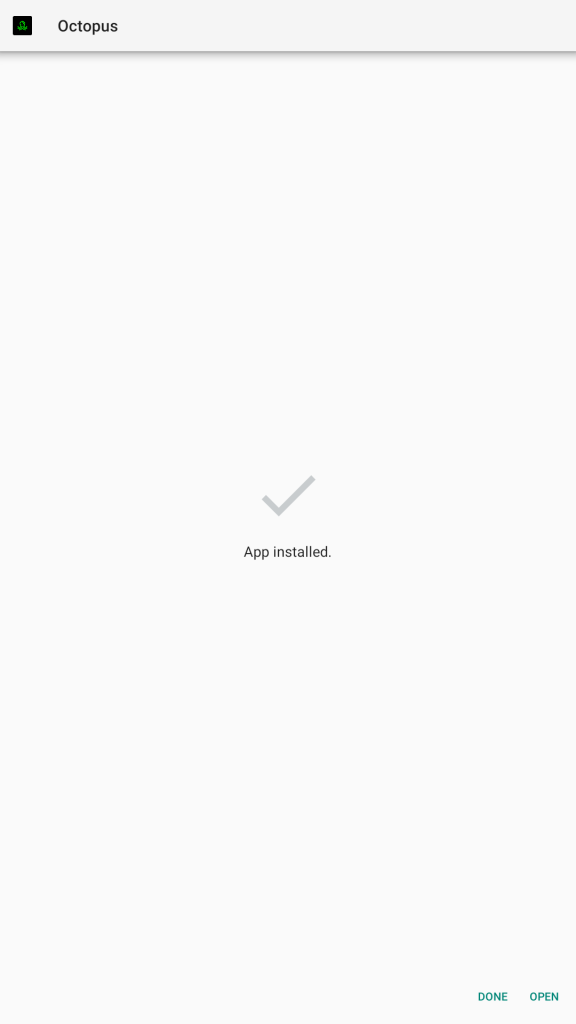
11- The screen is ready for use!