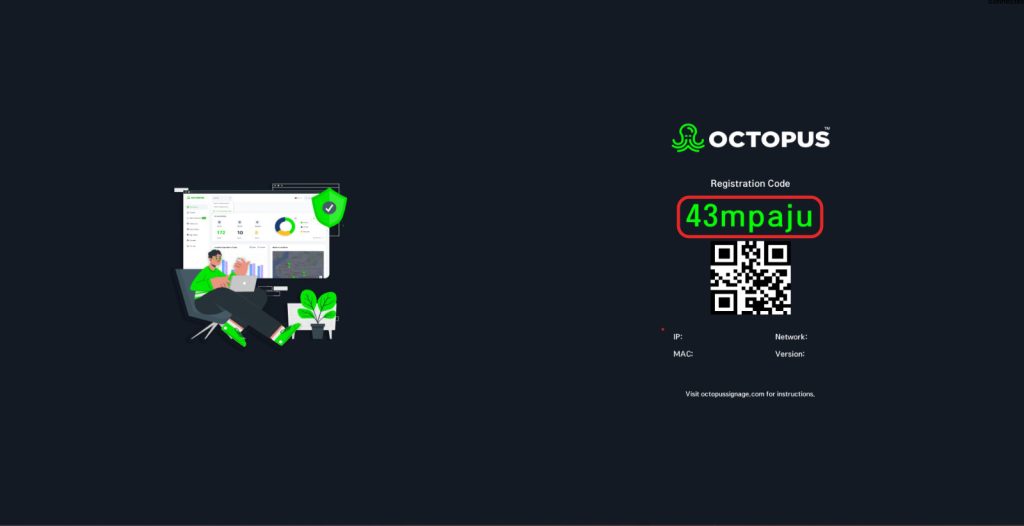
You can download Octopus to your Windows device from the link here:
1- First, double-click the Octopus.exe file that you downloaded before on your computer.
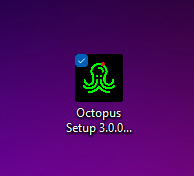
2- Accept the 'User Agreement.'
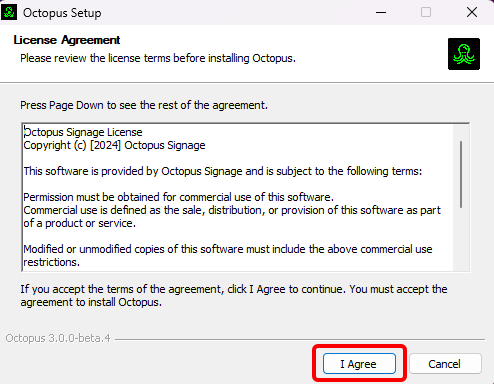
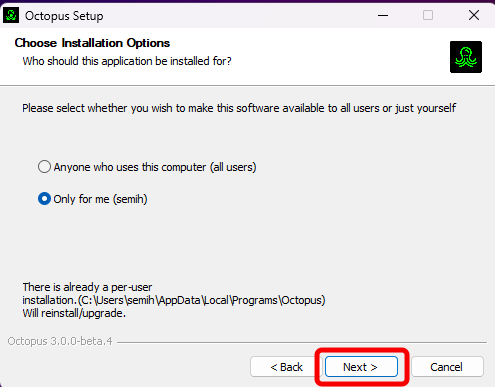
3- At this stage, it is selected for whom the application will be installed. Then click the 'Next' button.
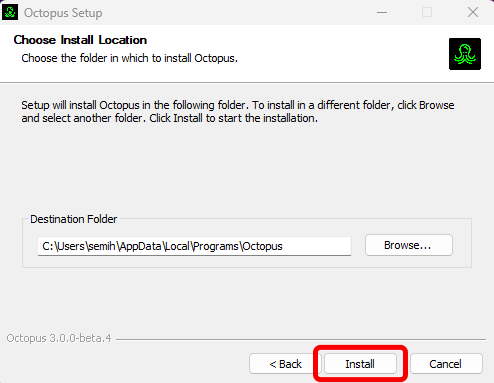
4- Determine the location where the application will be installed and click the 'Install' button.
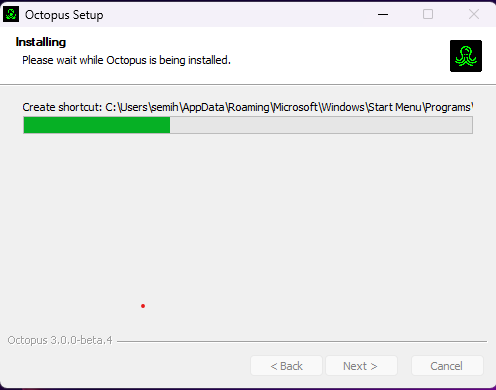
5- Wait for the application to install.
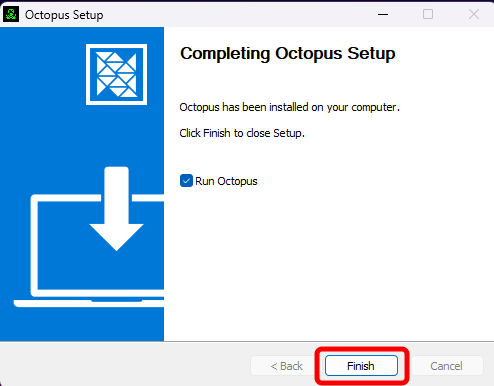
6- Application installation is completed.
7- To run it, select the 'Run Octopus' option. Then click 'Finish'.
8- Start the Octopus application from the shortcut that appears on the Home screen.

9- To add your screen to the panel, you can go to the 'How to create a screen' page.