Registration
To start managing your screens, you need to sign up at https://cms.octopussignage.com/.
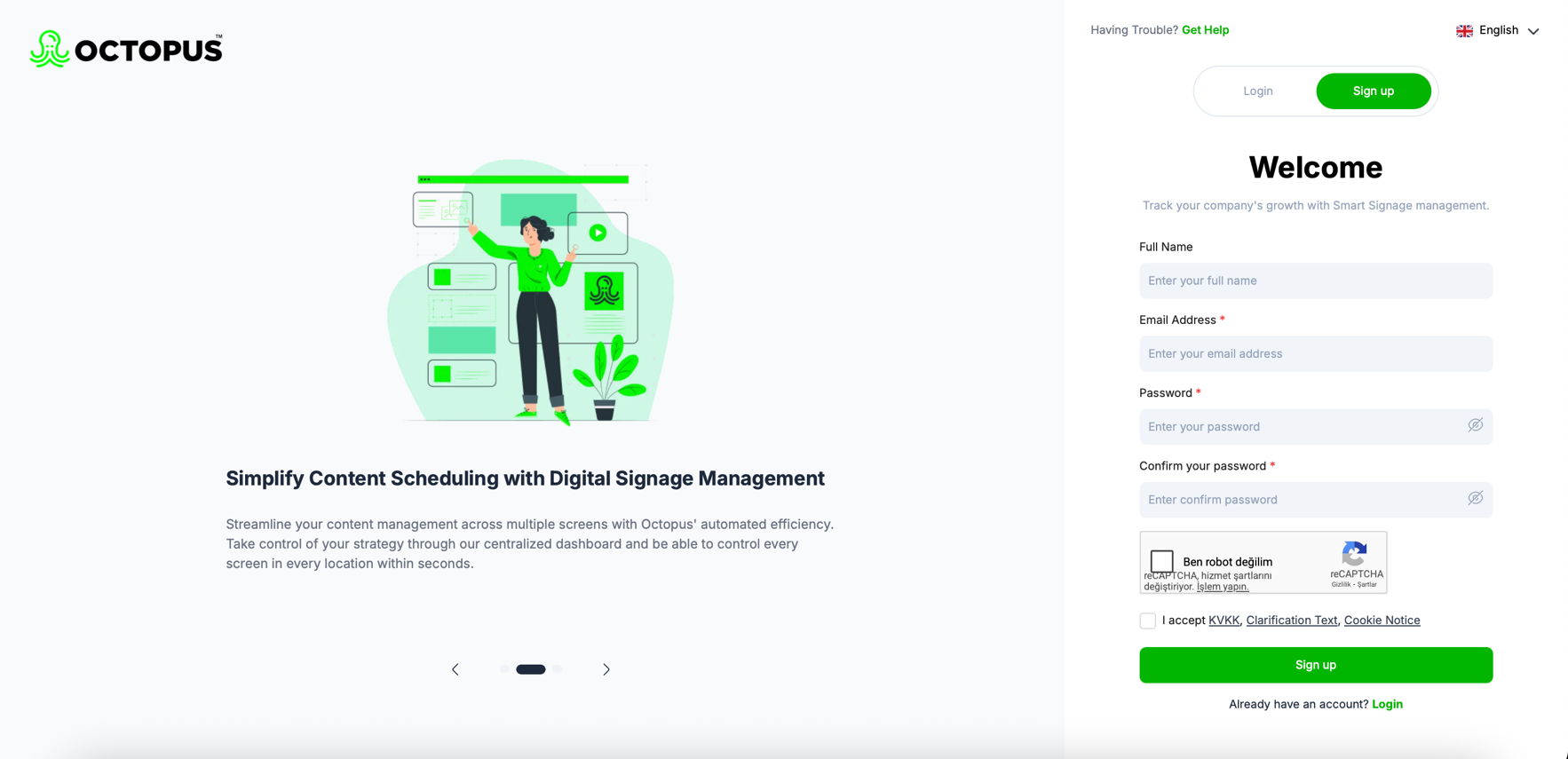
- On the registration screen, create your user information in accordance with the specified requirements and click the“Sign Up”button.
- Octopus will send a verification email to the email address you provided during registration.
- Retrieve the code from your email and enter it in the relevant field to access the Octopus panel.
(If you cannot find the email, don’t forget to check your “Spam” folder.)
(You cannot log in without verifying your email.)
Log In
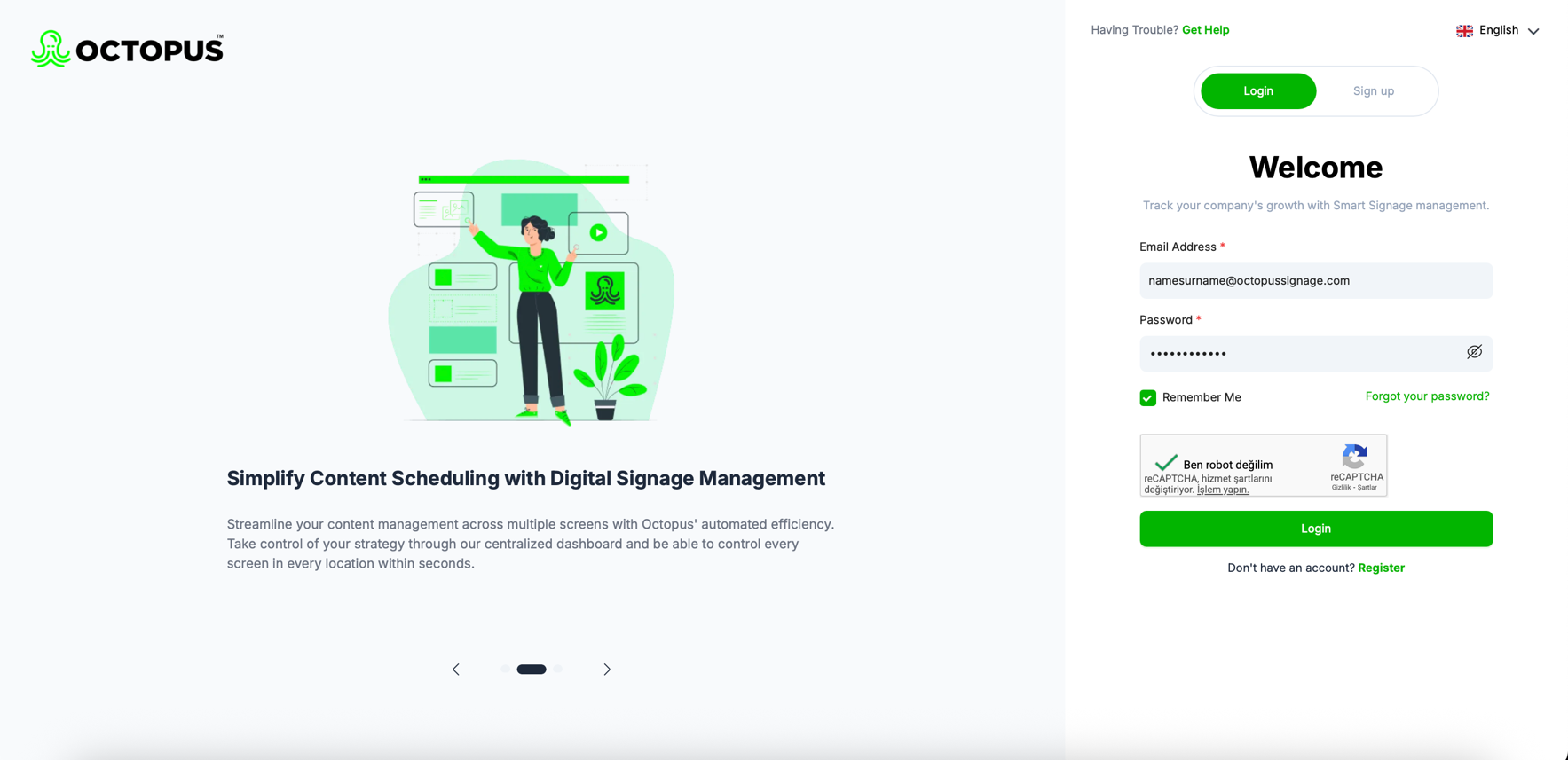
After successfully completing the registration process and verifying your email, you will be redirected to the login page.
- On this page, enter the email address and password you used during registration, then click the“Log In”button.