
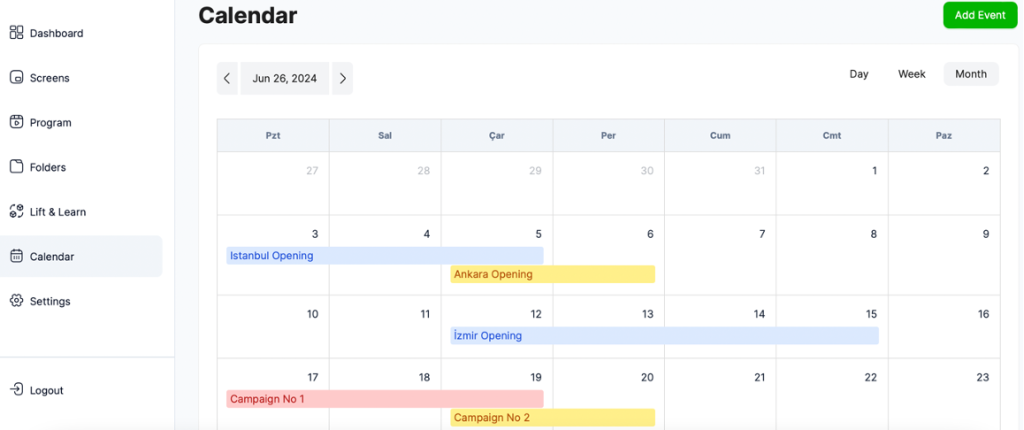
In the Calendar section, you can view all your events and their start and end dates.
You can schedule a new event in your calendar by clicking the “Add Event” button.
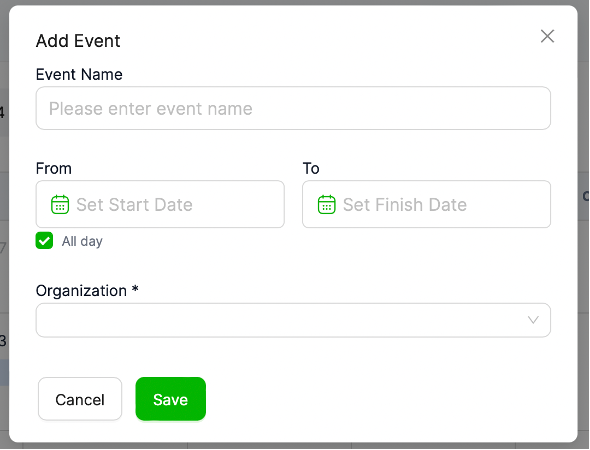
• After clicking the “Add Event” button, a page will open.
• On this page, you can name your event and create its calendar.
• To view your event in your calendar, select your organization and click “Save.”


