Whenever you want to add, remove, or reorder content in any folder, or make any updates to the program section, a warning stating “Awaiting Distribution” appears at the top. This is to ensure that all updates made after approval are displayed on the screens.

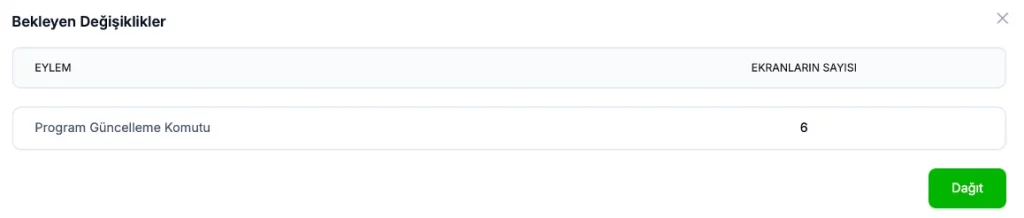
When you click the “Deployment Pending” button, the following screen appears. Here, you’ll see which updates you want to apply and the number of screens affected. When you click the “Deploy” button, you’ll send the necessary updates to the screens.
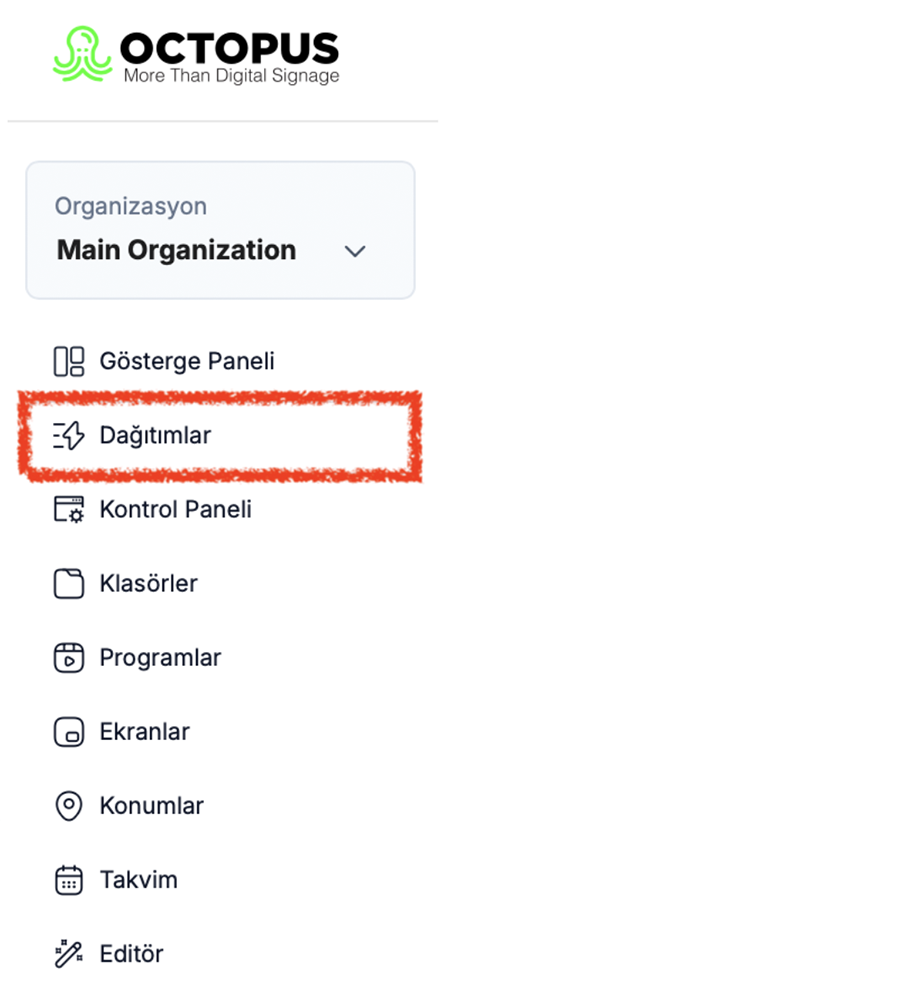
- You can find information about the update process under the “Releases” section in the left-hand menu.
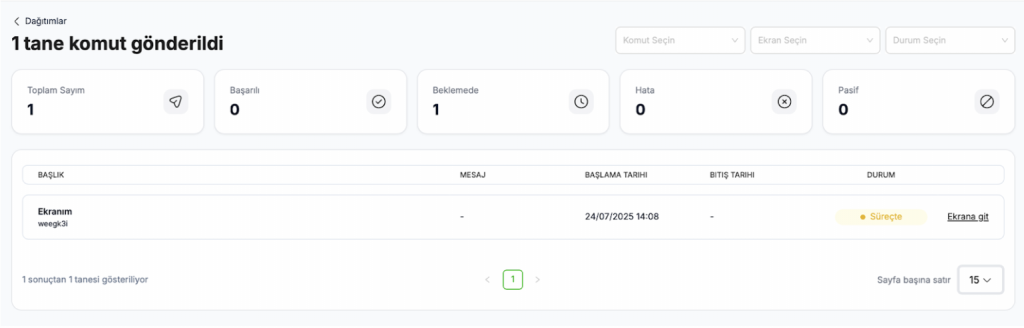
On this page, you can view the details of the update you want to make, which screens it has reached, and which screens it is currently pending on.