
Go back to the Screens menu and select the screen whose information you want to view.
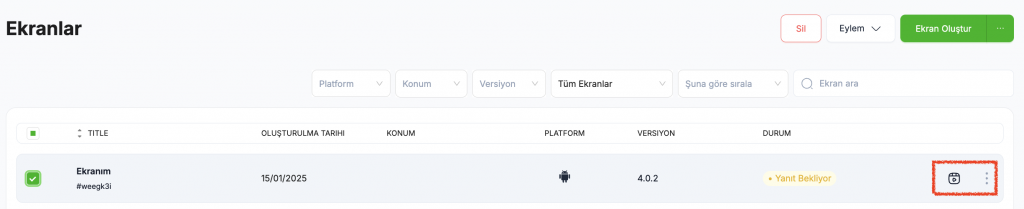
Tap the three dots right next to it, then click the “View Details” button to monitor your screens and check if they’re working properly.
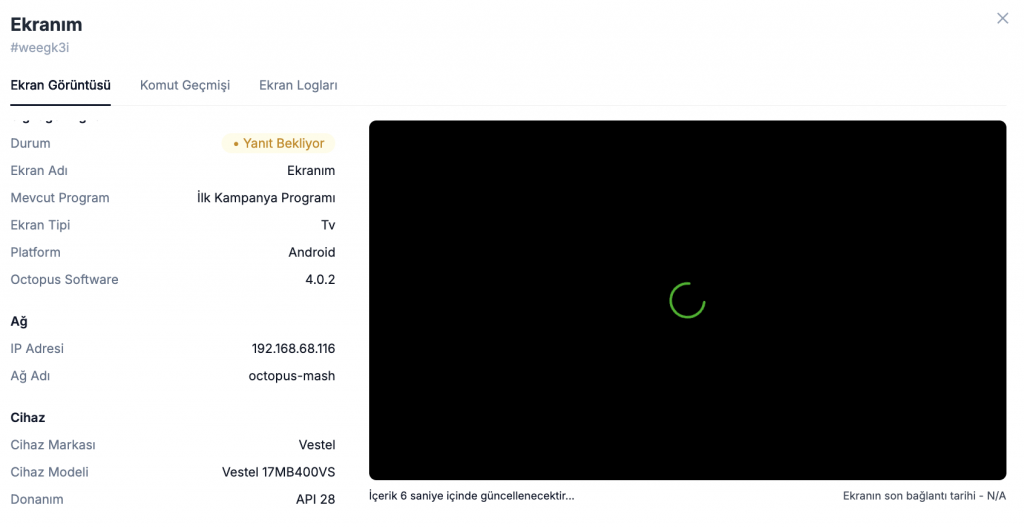
You can view the device information for all published screens.
• The IP address of the network to which the screen is connected,
• The organization to which the screen belongs,
• Device brand,
• Device model can be viewed.


